iOS 9 isn’t the massive update that we saw with iOS 7 and iOS 8, but that doesn’t mean it’s bereft of cool new features

Apple’s recently launched iOS 9 update should bring various improvements and fixes to address the numerous complaints with iOS 8
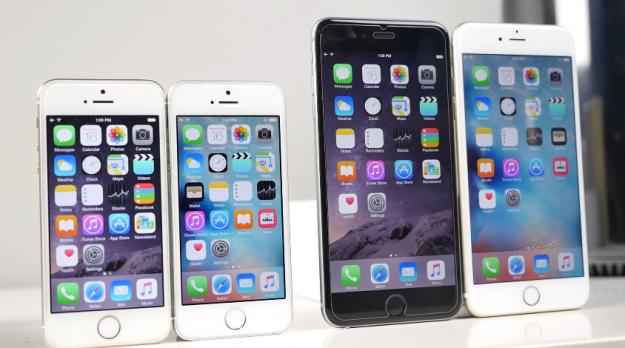
Using the virtual keyboard on the iPhone for texting or email can be an easy task for most people who are accustomed to Apple’s virtual keyboard
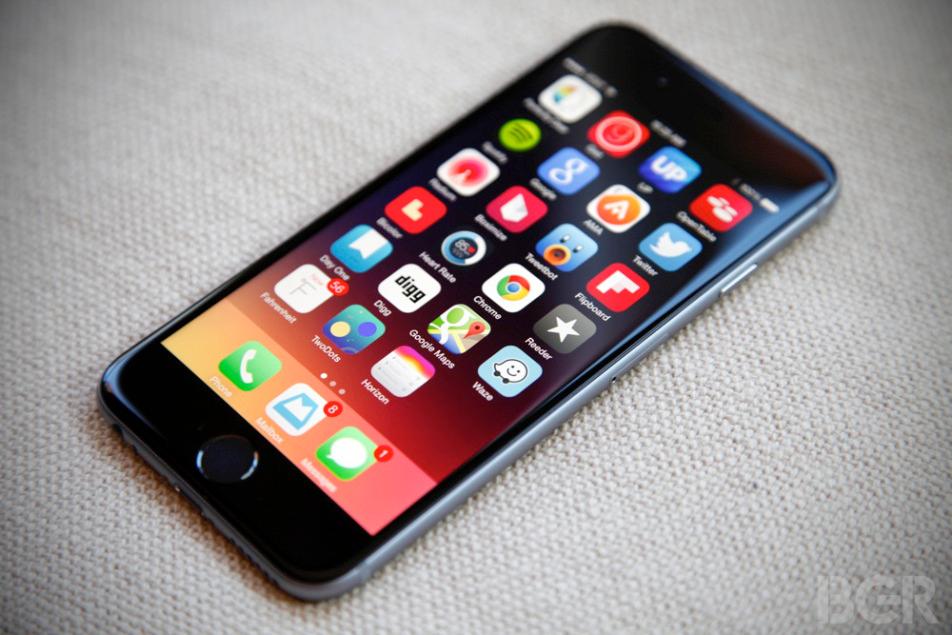
For us iOS 8 users, our wish is for Apple to solve the battery life problems. While every update has its own flaws and improvements, the recent iOS 8.2 update was reported to be a stable one

The latest version of Apple’s mobile platform, iOS 8.1.2, is far more stable and refined than Apple’s early iOS 8 releases, one of which was so bad that it temporarily bricked tens of thousands of iPhones, leaving them completely unusable for a period of time.
While Apple’s iOS 8 still doesn’t support traditional widgets—not like Android—its Notification Center does offer up a convenient alternative. By default, stuff like your today summary, traffic conditions, tomorrow summary, calendar and Stocks will show up, turning the swipe down panel into a more information-rich overview of what’s going on.
Features like audio messaging, the new QuickType keyboard and Apple’s Continuity functionality are all awesome additions to iOS, but of course there is still plenty missing from Apple’s mobile platform. Now that Google’s Android 5.0 Lollipop software is official, it’s time to take a look at a few key features found in Google’s latest and greatest that are sadly still absent in iOS.

It’s happened to all of us. There’s a photo on your iPhone or iPad that you want to show to a friend or relative. Maybe it’s a picture of your new baby or a photo you snapped while on vacation.

The Cydia is basically an iOS software which enables the users of iOS to install and download apps and software on Jailbroken iOS device. So, if you will not install Cydia on your Jailbroken device then you will not be able to install and download software and apps on your device. Therefore, it is very much important for you to install Cydia, if you really want to enjoy the restriction free access on your Apple device. The process of downloading and installing Cydia after Pangu8 Jailbreak is little complicated.
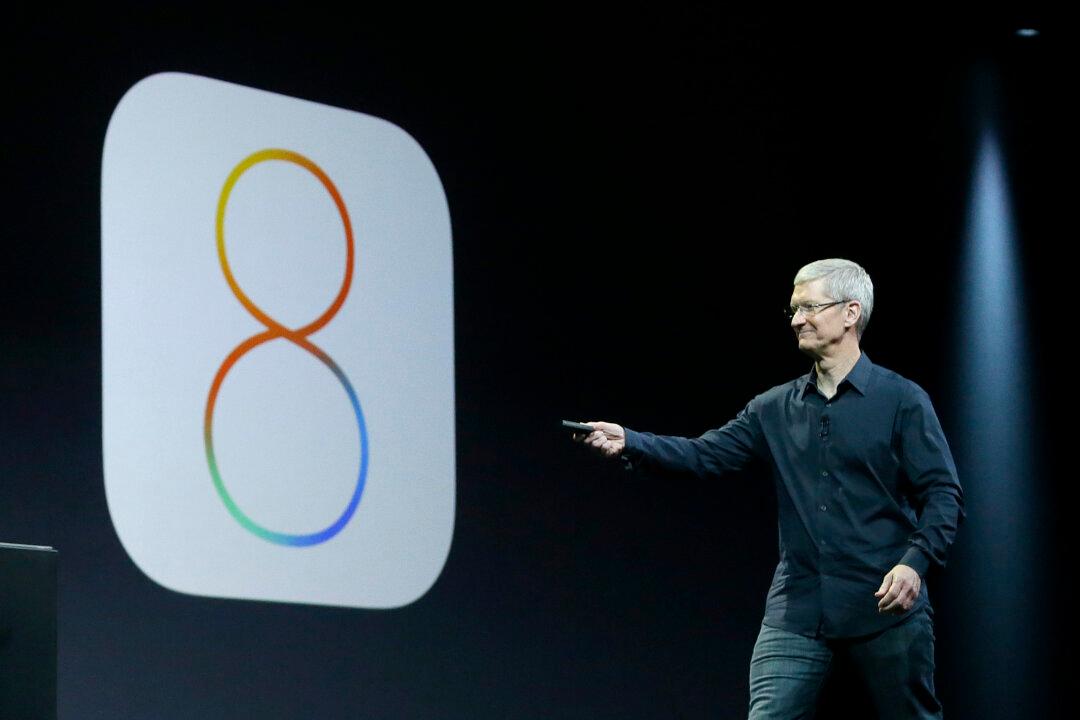
Like every other smartphone on the planet, the auto-brightness feature on Apple’s iPhone models including the iPhone 6 never works quite the way people want it too. The bright settings are too bright and the dim settings are too dim, so despite the obvious benefits to battery life, many users disable auto-brightness in their iPhone’s display settings.

The text to speech features have always been remarkably helpful to many users of Apple’s iOS devices, and in iOS 8 they are more robust than ever, as a reader recently reminded us. Apart from speed improvements, there are also new speech features in iOS 8 that make it easier than ever to make your iPhone or iPad read text to you.

Apple’s big iOS 8 update features hundreds of new tidbits that users will be learning for months to come, and we have tried to regularly share tips and tricks that draw attention to the best iOS 8 has to offer. Of course, as new things pop up we’ll continue to share them with you in an effort to help you get the most out of your iPhones, iPads and iPod touch handhelds running iOS 8.
Apple released iOS 8 almost a month ago, but its latest iPhone and iPad operating system has arrived with certain performance issues that Apple has yet to iron out.
Although the design still looks the same, Apple’s iOS 8 is different. There are some new features, as expected, but this year Apple’s software is more open than ever. Now developers can tap into things like Sharing Options, Custom Actions, Notification Center, and more. In fact, iOS 8 has introduced more than 4,000 APIs and services, which means we have yet to see the software reach its potential.
Since iOS 8 was released to the public last month, we have seen dozens of guides that show off tips and tricks to help users take full advantage of all the new features. These guides are clearly useful since iOS 8 is packed with so much great new functionality, but none of them really take into account the millions of people who might not think all of those new features are so great.
So with the release of iPhone 6, apple users finally get a hands on experience on iOS 8. While I appreciate the changes apple has included in its OS, it still lacks a lot of stuff that a smartphone OS can do.

With eight previous releases behind it, the iPhone 6 release is sure to draw great crowds with huge expectations. Here’s a round-up of those expectations.