Using smartphones comes with potential threats to safety and privacy from hackers, scammers, and identity thieves, but there are simple ways to protect critical data and information.
As smartphones grow into ubiquitous staples of so many Americans’ lives, hackers have a growing toolbox of methods to steal and extract users’ personal data, including sending fraudulent messages with malicious links, creating fake apps with hidden malware, and gaining access to sensitive information over public Wi-Fi networks.
Whether your smartphone of choice is an Android, iPhone, or similar device, using encrypted messaging services, multi-factor authentication, virtual private networks (VPNs), and backing up data to cloud storage are some of the many ways you can bolster your device’s security.
How Hackers Exploit Smartphones
As smartphone technology advances, so do the ways hackers try to breach users’ privacy and security.
Users may unknowingly input their login credentials or install malware while falsely thinking they are responding to legitimate requests from their banks, merchants, or internet service providers. Attackers can install malware or spyware through phishing and smishing, which secretly monitors user activity, records calls, steals passwords, and tracks the user’s location.
Users are also particularly vulnerable on unsecured public Wi-Fi connections in cafes, airports, or hotels, where hackers may try to breach a connected device if it’s not utilizing a VPN for added security.
An attacker may also try to exploit a user’s personal information gathered from data breaches to impersonate them and convince the mobile carrier to transfer the user’s phone number to a SIM card the attacker controls.
There’s also the risk of “zero-click exploits,” where a hacker infects a user’s phone without any action from the user, including clicking links or downloading apps. While this method is most often used against high-profile targets, zero-click exploits emphasize the importance of keeping a device’s software updated so vulnerabilities are addressed.
Signs Your Smartphone Might Be Hacked: What to Do
McAfee describes multiple symptoms that might be a sign that your smartphone was hacked or exploited by scammers.Sudden battery drains, consistent overheating, poor performance, and constant pop-up ads could all be signs that malware or spyware is running in the background on a smartphone.
Users should also pay attention to a device’s data usage, as any spikes in data consumption could point to a malicious app transmitting critical information from the phone without the user’s knowledge.
If you see apps on your device that you don’t recognize, your security software was unknowingly disabled, or your friends or family report receiving strange messages from you on social media or email, a hacker might have breached your device.
No matter what happens—don’t panic! McAfee recommends disconnecting the phone from both Wi-Fi and mobile data immediately to sever the hacker’s connection and to disrupt any flow of data.
6 Ways to Protect Your Smartphone From Hackers
Here are six ways you can protect your smartphone from hackers, according to McAfee and IDX, a consumer identity protection and privacy firm.1. Fortify Your Phone
It’s essential to lock your phone with a passcode, particularly one that isn’t obvious, such as a birthday, so that if the phone is lost or stolen, thieves cannot access any data or information with it locked.Users should also avoid downloading apps from outside approved marketplaces such as the Google Play Store or the Apple App Store, and should limit security permissions on the apps they install. It’s also advised to remove old, unused apps.
Deploying multi-factor authentication, especially for financial institutions’ apps, can add a second layer of security, requiring a text message or email code to log in.
2. Use Biometrics
Biometrics are even better for multi-factor authentication, as that way a user can lock their phone or specific apps and require a scan of their face or fingerprint for log-in access.3. Keep Software Updated
It’s also important to keep the phone’s operating system software up to date by enabling automatic updates on the device, or by accepting update requests from the manufacturer, software company, or application provider, according to the Federal Communications Commission.4. Limit Info Stored on Device
McAfee recommends against storing passwords, social security numbers, and other sensitive information in your device’s notes app or text messages, as that might be the first place a hacker looks if they’re able to remotely transfer your number to a SIM card in their control.The cybersecurity company also advises users to routinely implement a “digital detox” on their devices, which involves deleting old, unnecessary files like boarding passes, expired event tickets, sensitive documents, or old photos that hackers could steal.
5. Encryption: VPNs, Messaging Apps
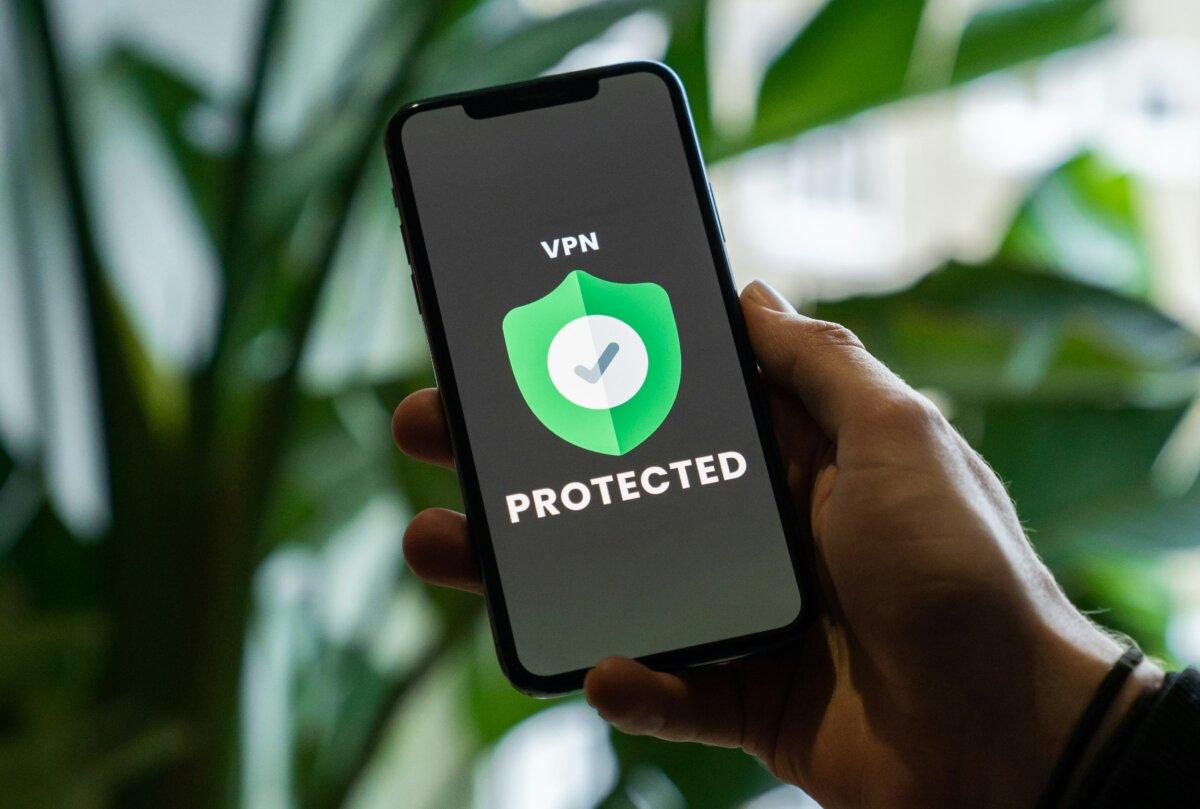
One of the easiest and most common ways of protecting your data on a smartphone is by encrypting your Wi-Fi connection with a virtual private network, or VPN.VPN’s are particularly useful when you’re connected to an unsecured public Wi-Fi network, like cafes, airports, and hotels, where hackers can breach your device. Some public Wi-Fi networks may even be faked by fraudsters to install malware on user devices.
You can also utilize end-to-end encryption messaging apps such as Signal, Telegram, and WhatsApp, which encrypt messages or calls on your device that can only be decrypted on the recipient’s device. Even the phone’s service provider is unable to access the messages without the user’s decryption key.
6. Backup Data to the Cloud
Lastly, backing up your data to a virtual cloud service means that you can restore your information if your phone is lost, stolen, or compromised by hackers.Using cloud backups can also make transitioning to a new phone seamless, as your data is automatically backed up virtually and can be ported to the new device quickly. And if your phone is stolen, you can remotely wipe data from the device while still keeping a copy on the cloud.
In the event of theft, it’s also advised to remotely lock your phone so the thief cannot access the data once your device is in their possession.